
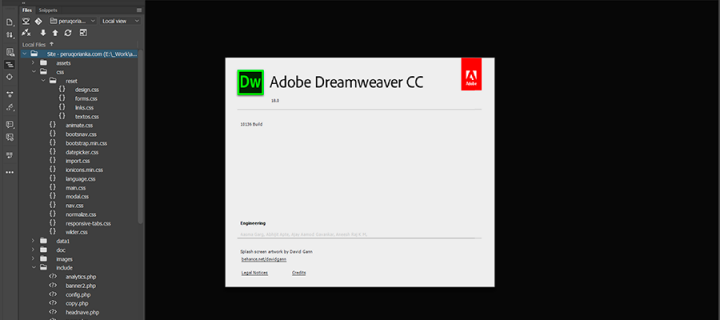
- You should look for the following folder inside your computer:
C:\Users\YourName\AppData\Roaming\Adobe\Dreamweaver CC 2018\en_US\Configuration\Workspace - Then create a new folder inside the Workspace with any name and put all the existing files inside the Workspace.
- Start your Dreamweaver again, Ready working again.




 English
  Español