

To know the number of users who visit your website as well as the pages and general statistics segmented by country, you must follow the following steps:
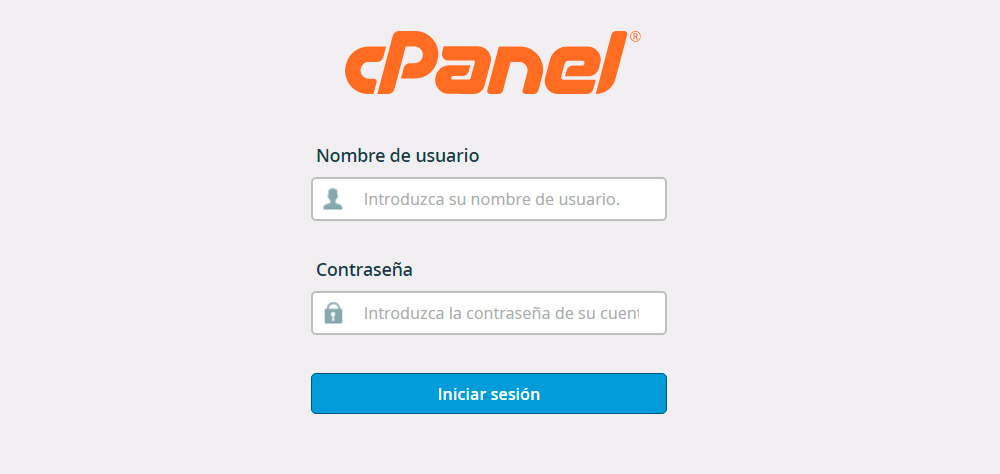
- Login to your cPanel account

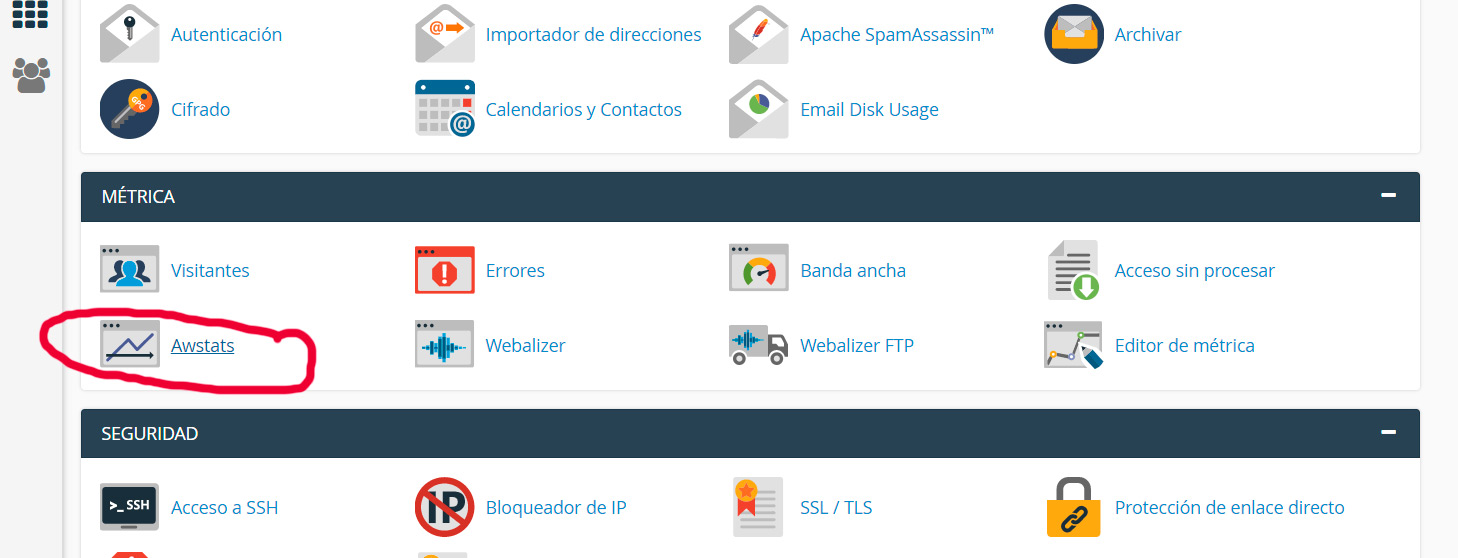
- Within your cPanel control panel, locate the Metrics -> Awstats section

- On the next screen you will see the list of domains you have. Click on the "View" button of the specific domain that you want to see its statistics.
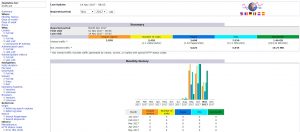
- READY, On your screen you will have all the statistics and data of the visits to your website.




![Como solucionar 502 Bad Gateway | Cloudflare and Nginx [Engintron] – WHM/Cpanel](https://blog.index.pe/wp-content/uploads/2022/02/502-bad-gateway-200x150.png)



![Como solucionar 502 Bad Gateway | Cloudflare and Nginx [Engintron] – WHM/Cpanel](https://blog.index.pe/wp-content/uploads/2022/02/502-bad-gateway-70x70.png)

 English
  Español